
Delete your account
Two ways to delete your TBR account and its data.
In the app
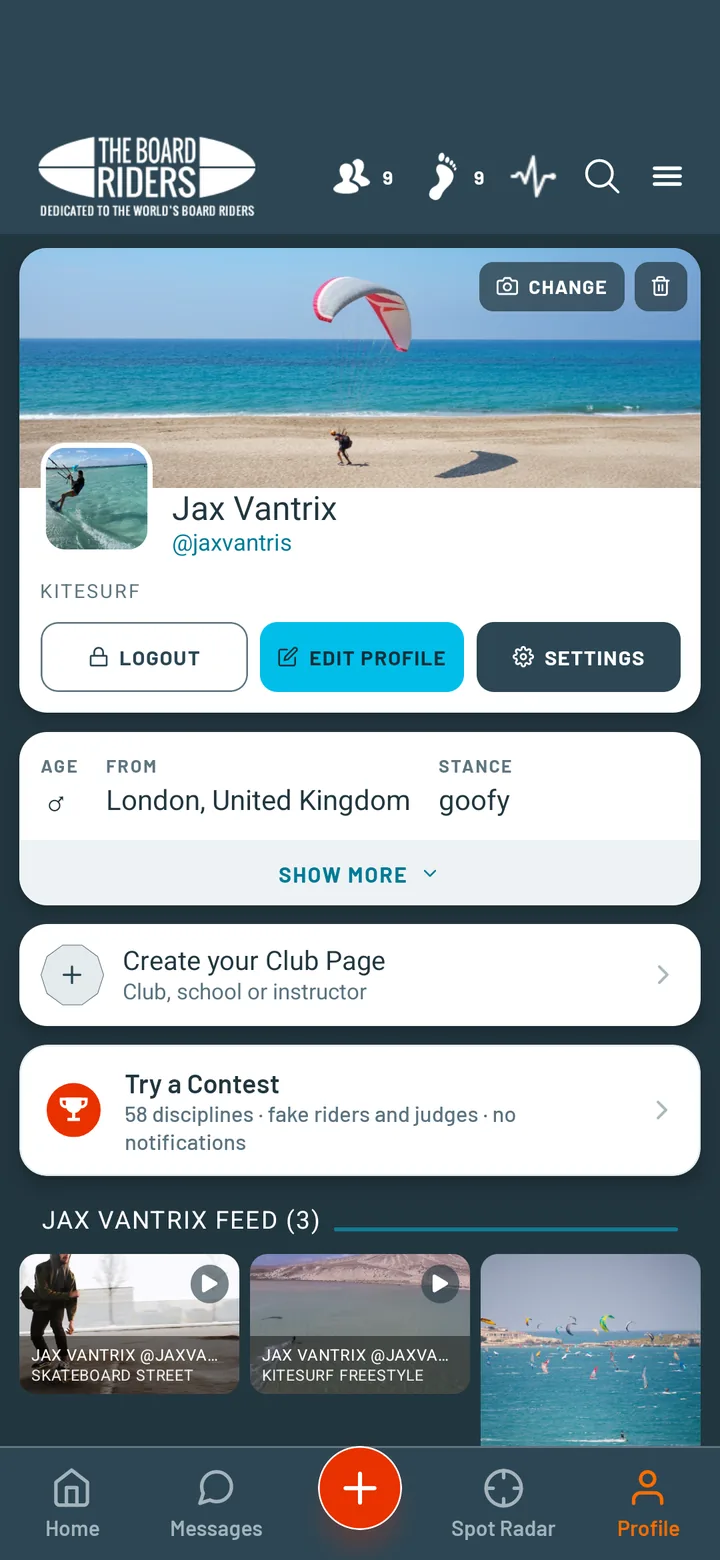
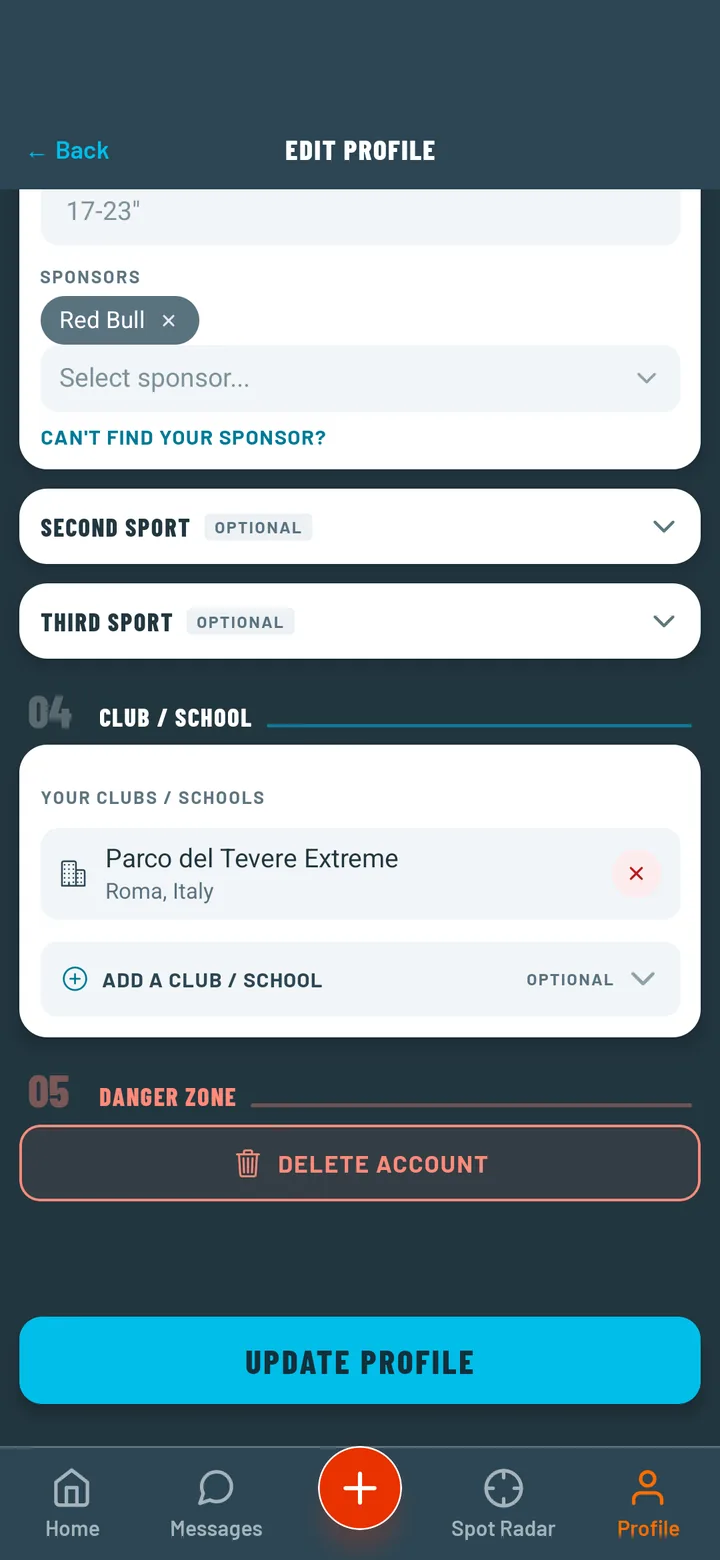
Go to Edit Profile and scroll to the bottom. Tap "Delete Account". Your account is deactivated immediately but not permanently deleted for 30 days — this grace period protects you in case you change your mind.
Without the app
No longer have the app? Send a request with the email address of your account. We will write to you at that address to confirm, then delete the account and its data.
What is deleted, what may be kept and for how long: see the Privacy Policy.